Tallyfor Trial Balance
A cloud trial balance that speaks tax.
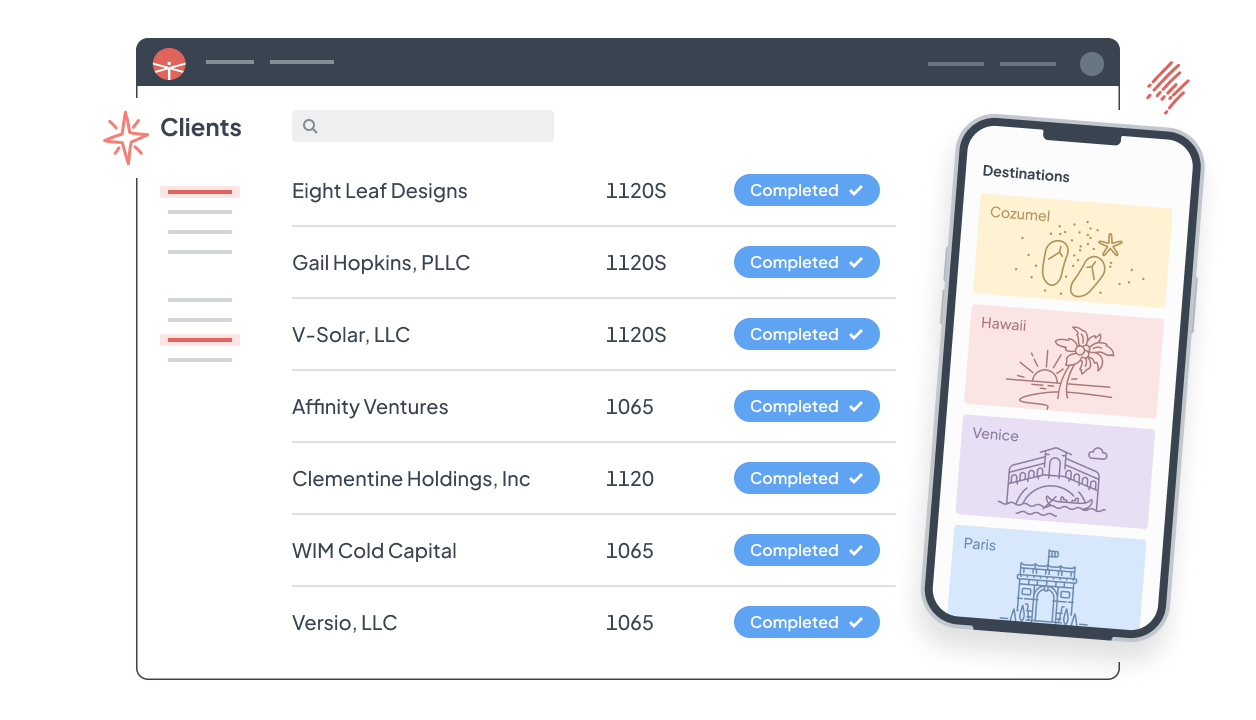
Flow a client's general ledger from QuickBooks Online, Xero, or a spreadsheet into a working trial balance. Reclass, post tax journal entries, and map accounts to the right tax form lines — in the browser, without touching the client's books.
No desktop install, no sync server, no IT. Just a browser.
Import
The books flow in. Nothing gets re-keyed.
Connect QuickBooks Online or Xero and pull the general ledger straight into a trial balance, or import any other system from a spreadsheet. Balances refresh from the source, so the numbers you're adjusting are the client's real numbers.
- Direct import from QuickBooks Online and Xero
- Spreadsheet import for every other ledger
- Read-only: the client's books are never altered
Adjust
Book, reclass, and tax entries — side by side.
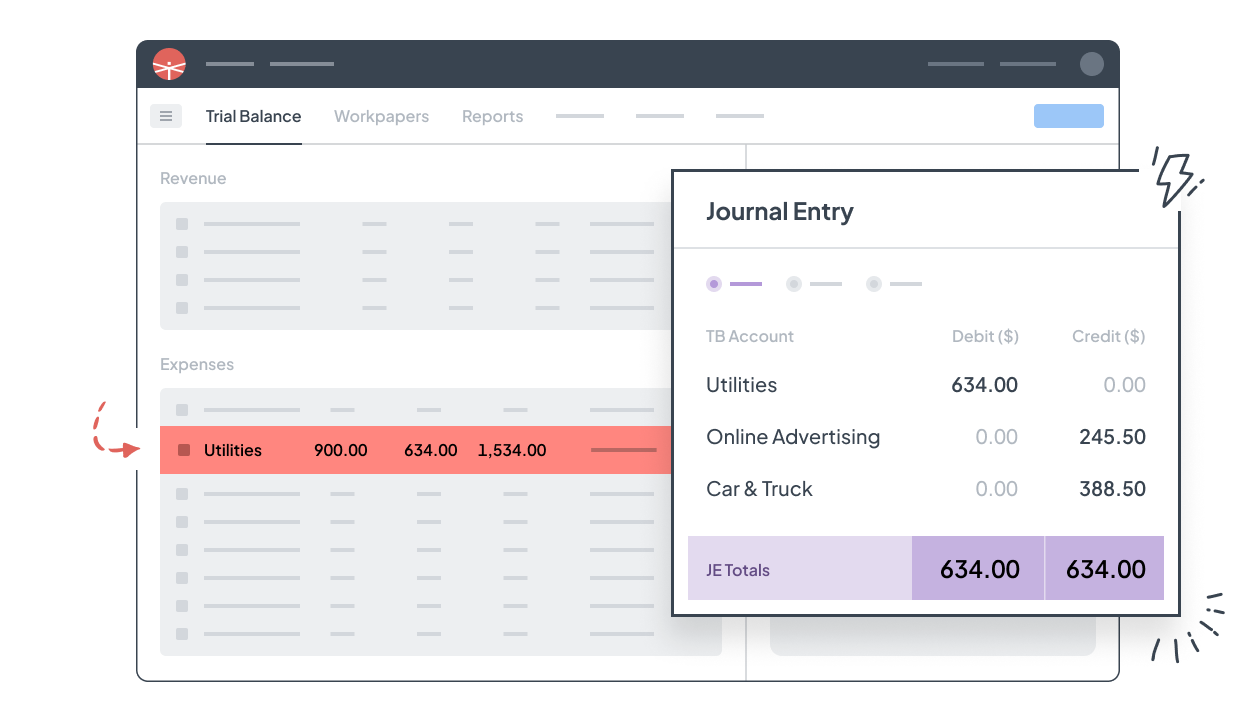
Post adjustments in the trial balance and see book and tax columns move together. Every entry has a type and a trail, so a reviewer can follow exactly how book income became taxable income.
- Book, reclass, and tax journal entries in one view
- Financial statements on book or tax basis — no cell-by-cell formatting
- Workpapers attach to the lines they support
Map once
Map to tax form lines once. Roll forward forever.
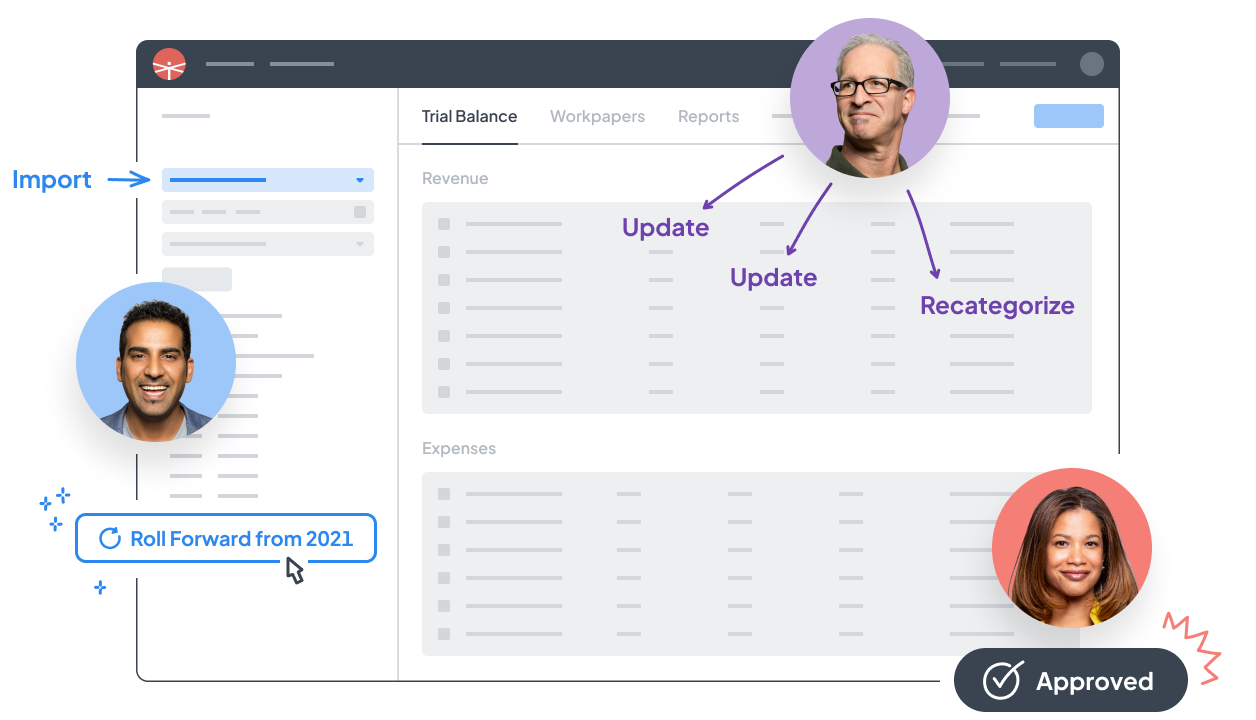
Assign accounts to the right form lines and standardize those mappings across engagements. Next year, the setup is already there — book-to-tax is one setup, not an annual redo.
- Mappings persist year over year
- Standardize chart-of-account mappings firm-wide
- Export tax-ready files to CCH Axcess, Drake, Lacerte, ProConnect, and UltraTax
Why a cloud trial balance
Most firms are still doing trial balance work in Excel — or in software older than their staff.
Ask a room of practitioners what they use for trial balance and the honest answer is usually a linked spreadsheet workbook — not because Excel is good at this, but because the professional alternatives have meant per-seat licenses, multi-year contracts, desktop installs, sync servers, and an IT bill. The result is the same busywork every season: exporting ledgers, pasting balances, rebuilding links, and re-mapping accounts to tax software by hand.
Tallyfor was built to be the tool that was always missing: a trial balance that is actually cloud-native, connects directly to the client's books, keeps the workpapers with the numbers, and hands your tax software a file that's already right. Open a browser, do the work, close the tab.
FAQ
Trial Balance questions.
Does Tallyfor change my client's books?
No. Tallyfor reads the general ledger into its own working trial balance. Reclasses and tax journal entries live in Tallyfor — the client's books are never altered.
What kinds of journal entries are supported?
Book, reclass, and tax journal entries, side by side in the same trial balance, so you can see exactly how each adjustment moves book income toward taxable income.
Do I have to re-map accounts every year?
No. Mappings persist year over year and can be standardized across engagements. Setup happens once per client, not every season.
Can it replace my Excel trial balance workbook?
Yes — that's the most common switch. You keep the flexibility (export to Excel any time) and lose the link-rot, version confusion, and manual re-keying.
Put one client's books in. See for yourself.
Set up an engagement in five minutes. Pay per return, cancel any time.